
Capture
Film with your own camera
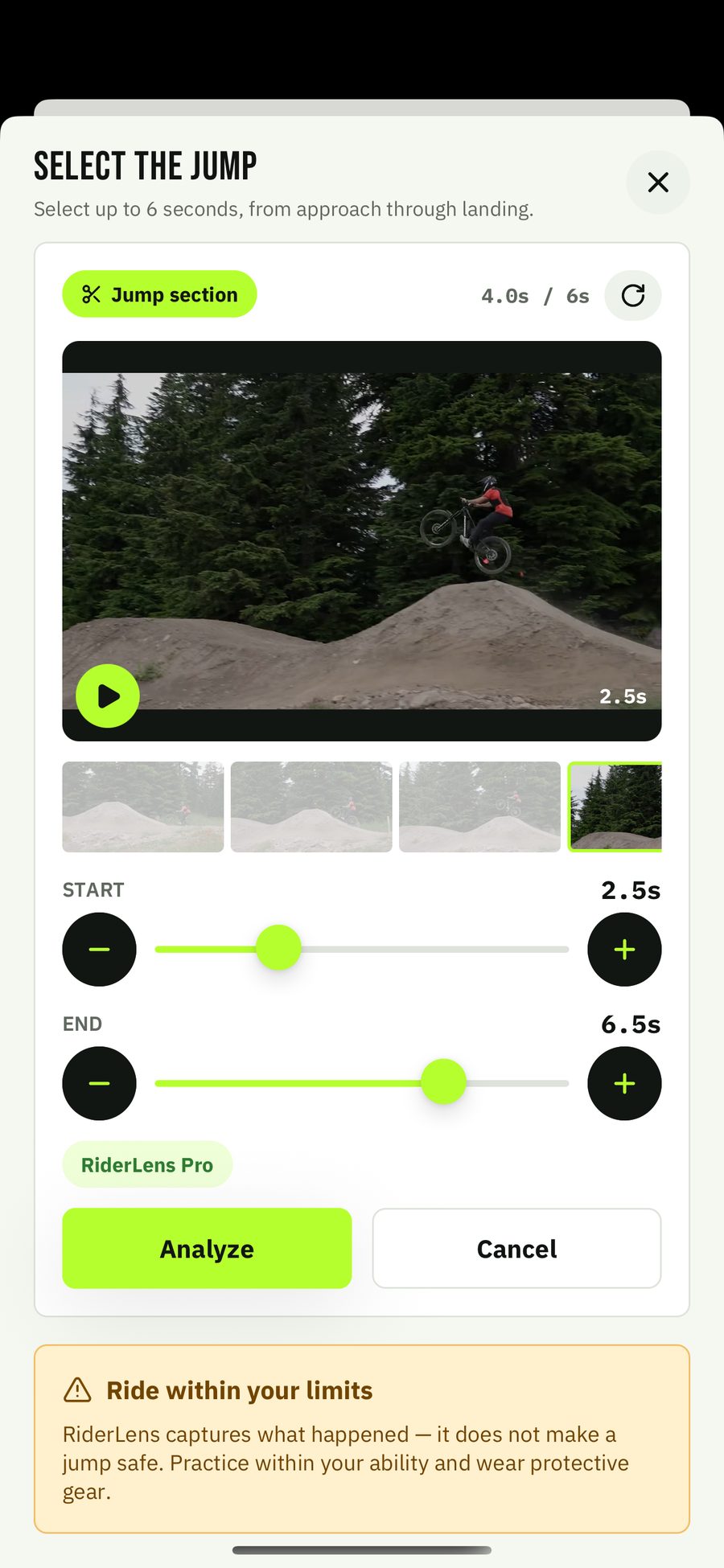
Use the camera app you already trust — from the side, whole rider in frame. Pick the clip in RiderLens and select the moment, up to six seconds around the action.
MTB gravity video analysis
Film a jump, pick the clip, and get back a record you can study: your body position drawn on every frame, with airtime and height estimates, slow motion, and frame stepping.


Available now on the App Store and Google Play.
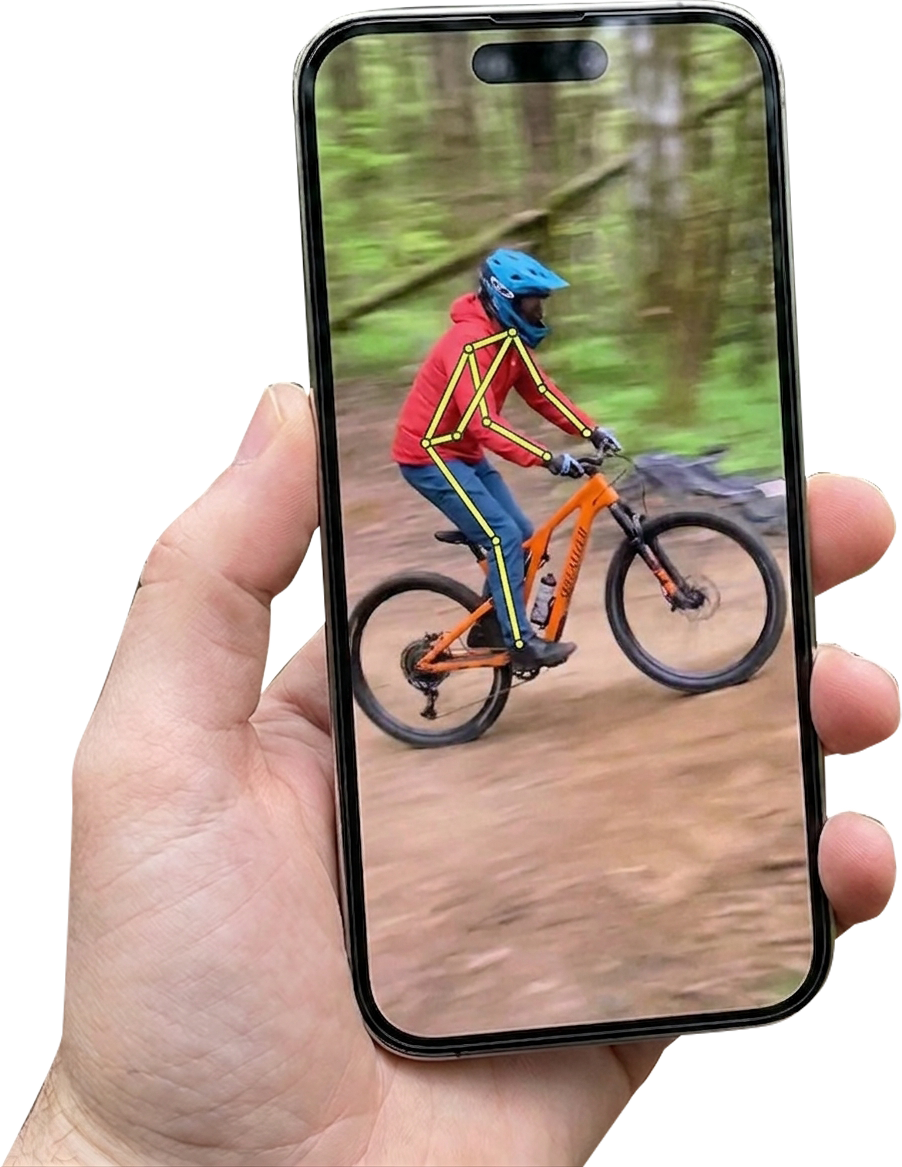
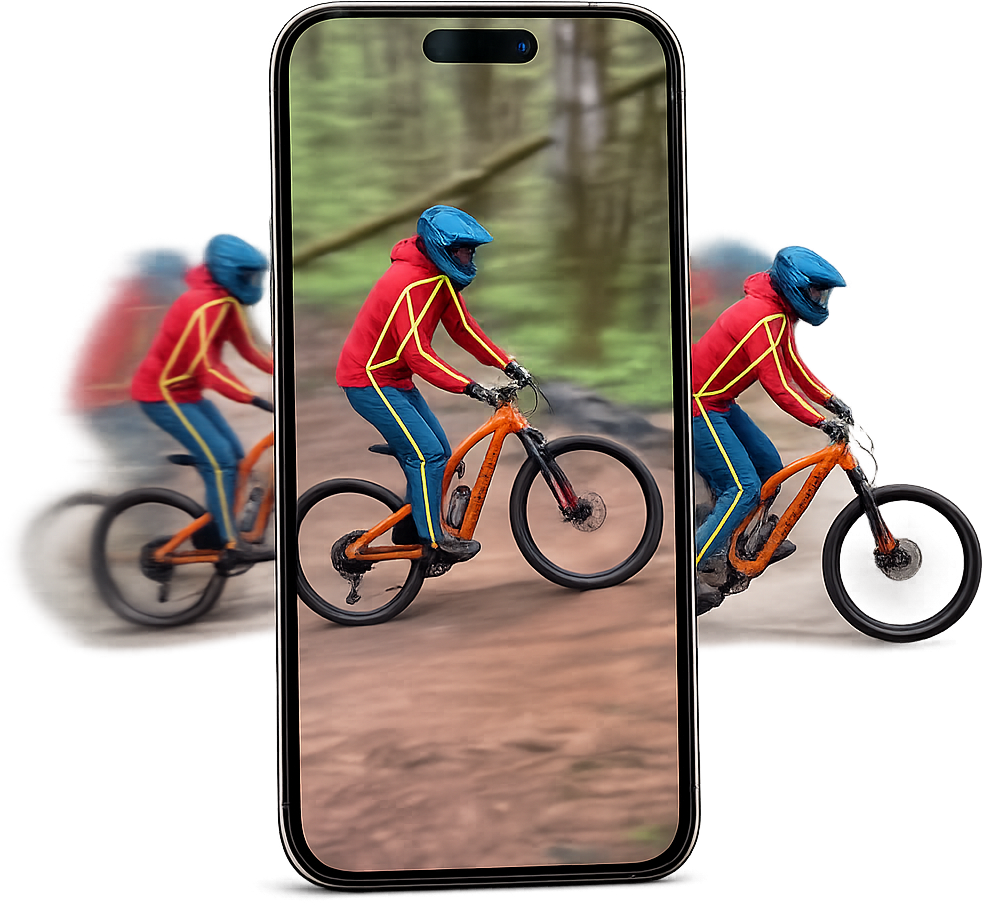
Your body position on every frame
Built for MTB gravity riding
Your library stays on your phone
From send to insight
RiderLens takes the few seconds that matter and turns them into a record built for analysis — not just another video in your camera roll.
Capture
Use the camera app you already trust — from the side, whole rider in frame. Pick the clip in RiderLens and select the moment, up to six seconds around the action.
Analyze
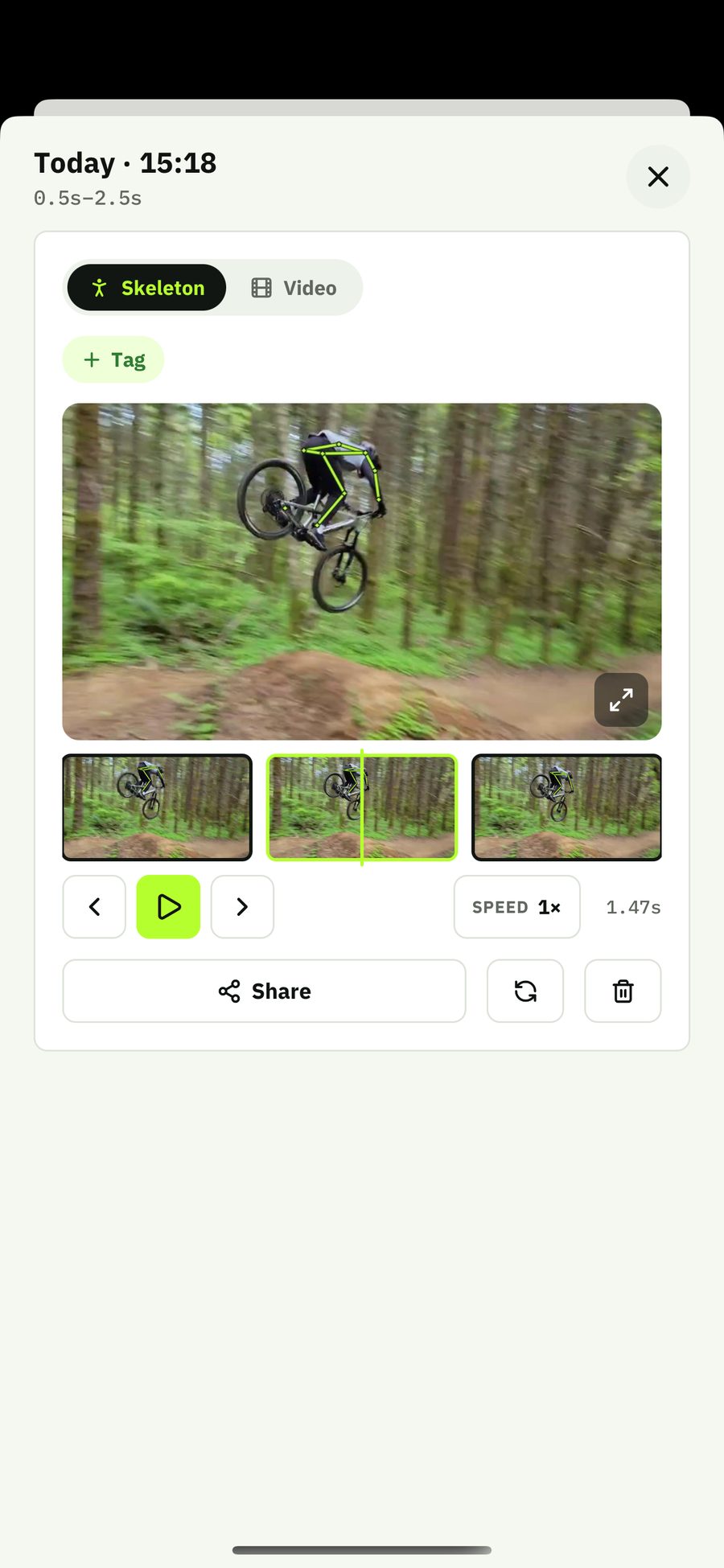
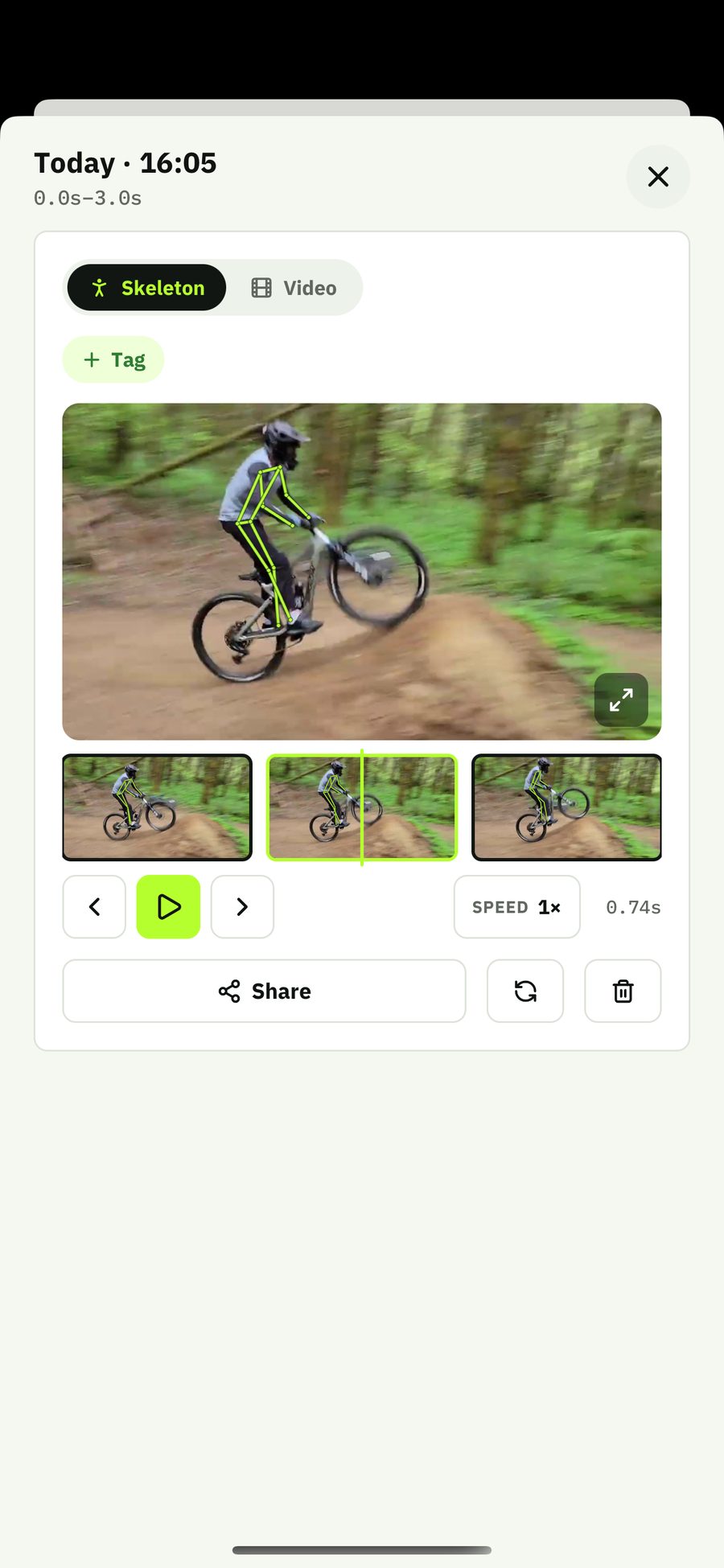
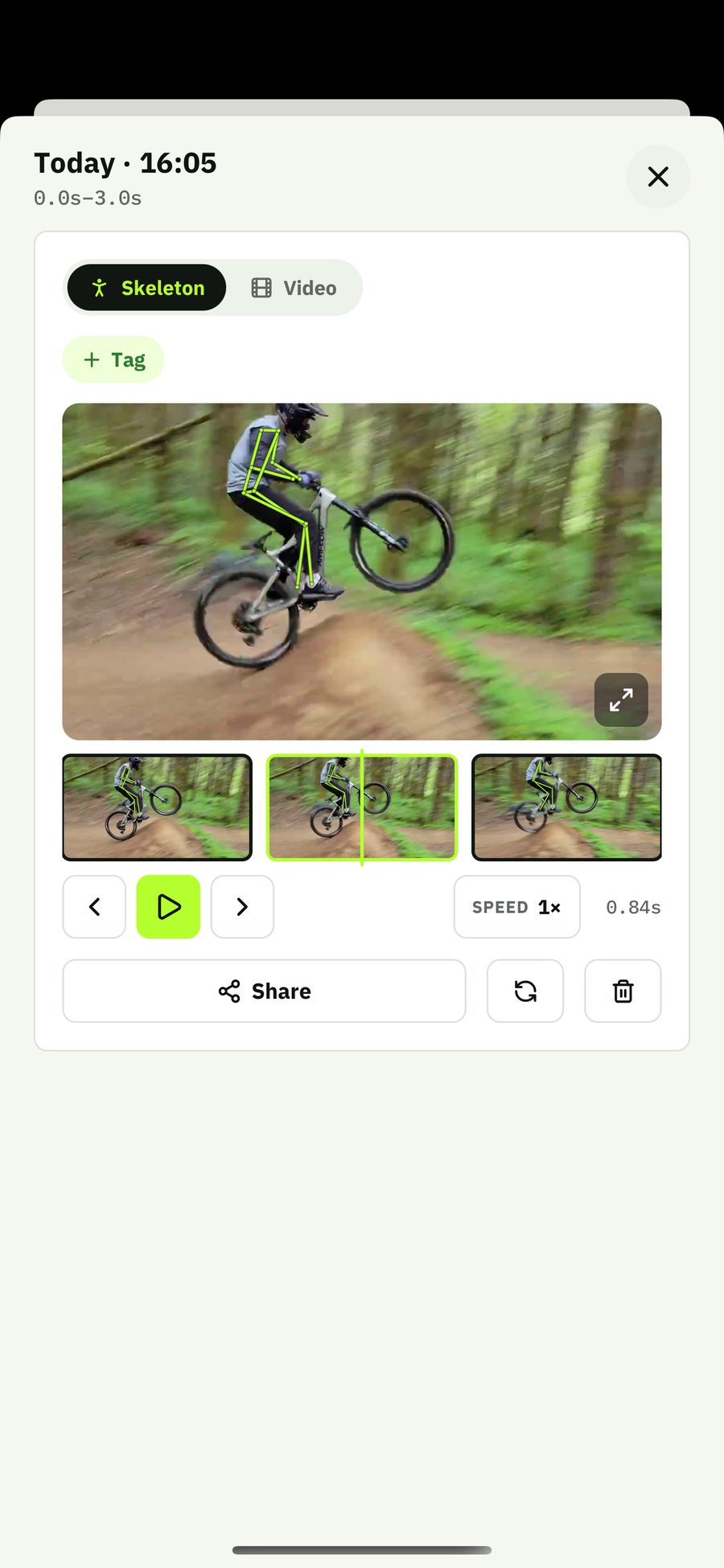
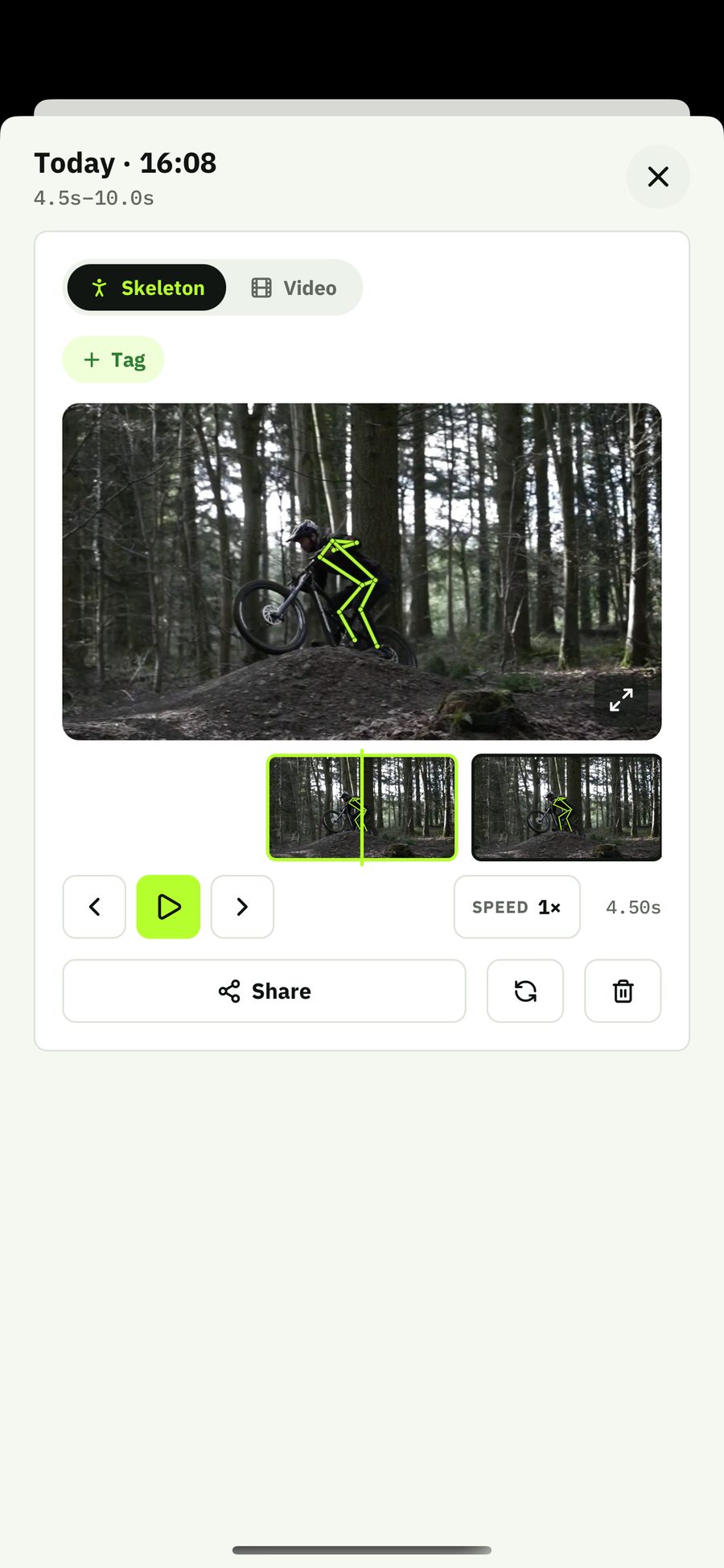
RiderLens draws your body position on every single frame — up to 60 per second — and estimates airtime and jump height. Step frame by frame, slow to quarter speed, go fullscreen.
Progress
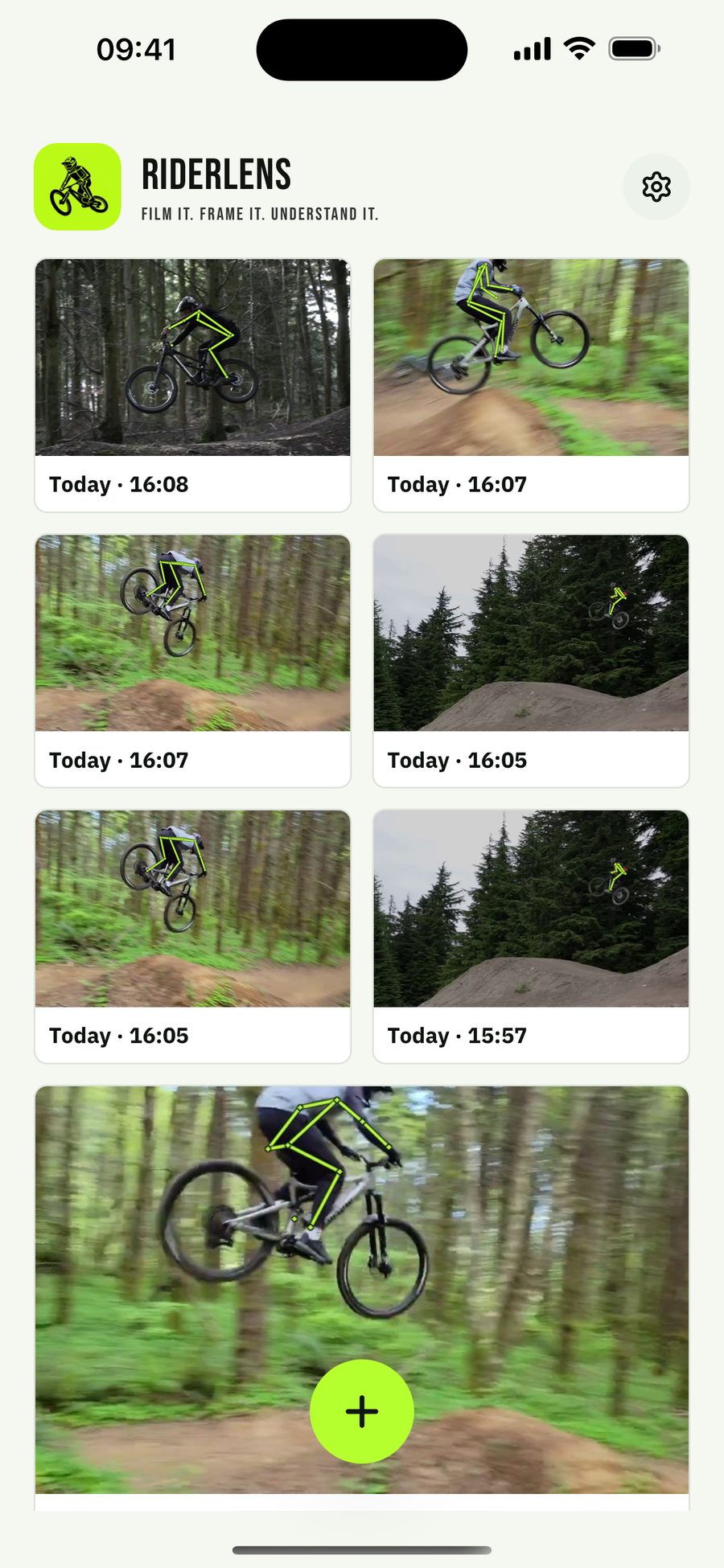
Your records live in a private library on your phone — tagged, searchable, comparable. Share clips with the skeleton burned in when a send deserves an audience.
Inside the app
The whole loop: pick a clip, select the moment, and study the result frame by frame.
Made for the trail
Records queue when you have no signal and process automatically when you're back in range. Your library plays back offline — trailside, in the van, or at home.
Ride within your limits. RiderLens shows what happened — it does not make a jump safe. Practice within your ability and wear protective gear.
Simple plans
Playback, your library, and sharing are never limited — the plans only change how many new analyses you can run.
€0 forever
The full experience, three new analyses every month.
€2.50 per month
billed €29.99 a year — save 50%
€4.99 per month
or €29.99/year — save 50%
Unlimited analyses, so every attempt becomes a record.
Prices in EUR, tax included. Billed by the App Store or Google Play in your local currency.
Prices shown in EUR. Store pricing and taxes may vary by region. Subscriptions are billed and managed through Apple or Google.
RiderLens is a mobile app for mountain bikers that analyzes short riding clips. Pick a filmed jump, select the moment, and RiderLens draws your body position on every frame so you can study takeoff, air, and landing in detail.
Gravity riders — dirt jump, enduro, downhill, bike park — who want to understand what actually happened on a jump and watch their technique progress attempt by attempt.
A short clip filmed from the side with the whole rider in frame. Film with your phone's normal camera app (60fps captures the most detail), keep the clip under 30 seconds, then pick it in RiderLens and select up to 8 seconds around the action.
Your library lives on your phone — there are no accounts and no cloud library. Clips are uploaded only to be processed and are deleted from the server shortly after. Crash reports contain technical details only, never your videos. See the privacy policy.
Yes — you can analyze 3 clips every month for free, and playback, your library, and sharing are never limited. RiderLens Pro unlocks unlimited analyses with monthly or yearly billing.
RiderLens is available on the App Store and Google Play. Analysis requires an internet connection; your records play back offline.
Yes. Subscriptions are billed and managed by the Apple App Store or Google Play — cancel anytime from your store account settings, and Pro stays active until the end of the paid period.
Next send, first record
Get RiderLens and see your riding the way it actually happened.